
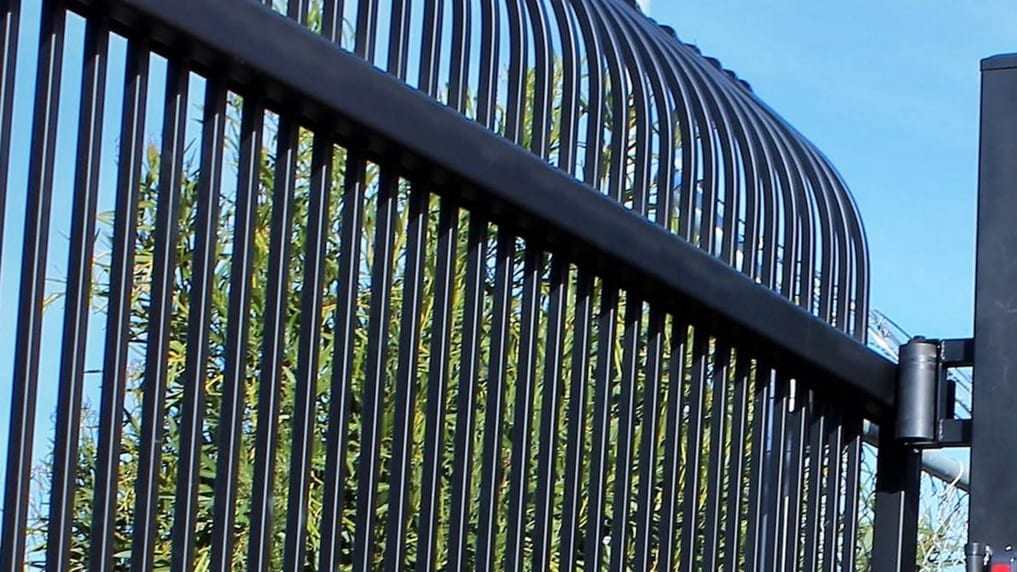
Gate Troubleshooting
A gate that won’t open, won’t close or ignores the remote usually shows you why, if you know where to look. Start with the checks that are safe for anyone: the power, the remote battery, the photo eyes and the track. Some faults clear in a minute. Others need a technician, and knowing which saves a wasted trip.
Keep clear of the gate’s path while you check, and switch the operator off before you touch the gate itself.
What Is Your Gate Doing?
Pick the kind of gate and what it’s doing to see the likely causes, the checks that are safe to make yourself, and when to book a repair.
Choose your gate type and what it’s doing, then press Show Likely Causes.
Quick Checks You Can Make Safely

Every automatic gate has a manual release, usually a keyed lock or a lever on the operator or its arm. Find it now, along with the breaker that feeds the operator, so you aren’t hunting for either with a car waiting at the gate.
Owner checks stay outside the operator housing. Anything that needs the cover off, a meter or a new part is a job for a technician.
| Check | How to do it | What the result means |
|---|---|---|
| Power | Find the breaker or GFCI outlet that feeds the operator and reset a tripped one once. | Trips again right away: a short or water in the wiring, so leave it off. Holds and the gate runs: a one-off trip. |
| Remote battery | Fit a new battery or try a second remote, standing in sight of the gate. | Works now: the battery was flat. No remote works: the receiver, its antenna or the operator’s power. |
| Photo eyes | Clear the beam path, wipe both lenses and look at the indicator lights if they have them. | Gate closes now: the eyes were blocked or dirty. Lights blink or stay dark: alignment or wiring. |
| Manual release | Switch the operator off, open the release and walk the gate through its full travel by hand. | Moves smoothly: the fault is in the operator or its controls. Drags or binds: hinges, wheels, track or post. |
| Track and swing path | With the power off, look along the track or the arc for stones, ice, branches or a wheel off its track. | Clearing it fixes the run: debris. A bent track, a dropped wheel or a leaning post: a repair. |
| Keypad | Enter a code you know works and watch the keypad’s light or display. | Dark keypad: power or wiring to it. Lit but no response: the code or its programming. |
What Never to Do at a Broken Gate
- Don’t bypass the safety sensors. Jumpering out photo eyes or edge sensors to make a gate close removes the protection that keeps it from closing on a person or a car.
- Don’t open the operator housing. Inside are line voltage, capacitors that can hold a charge, and gears and chains that can start without warning.
- Keep clear of a moving gate. Never walk or drive through while it moves, never let children play near it, and never ride on it.
- Don’t reach through the gate. Work a release or a keypad from your own side, never through the pickets.
If the gate is stuck open or shut, follow the safe steps for a stuck gate.
Questions About Cold Weather and Power Outages
Why does my gate slow down or stall in cold weather?
Cold thickens the grease in the gearbox, the hinges and the wheel bearings, so the operator works harder for the same travel. Backup batteries lose capacity below freezing, and ice in a track or hinge adds load on top. Past a point, the operator reads that effort as an obstruction and stops or reverses, which is its safety logic doing its job. Clear the ice, leave the force setting alone, and book gate maintenance if it keeps happening.
What does an automatic gate do when the power goes out?
Without battery backup, it stays where it is. Switch the operator off at its breaker, then use the manual release to move the gate by hand. With battery backup, the operator keeps running on the battery for a limited number of cycles, often more slowly. Some systems can be set to open and stay open when the battery runs low, others to stay shut. Find out which way yours is set before the next storm.
How do I put the gate back on automatic after using the manual release?
Lock the release the same way you opened it, then move the gate by hand until the drive engages; on some operators you’ll feel or hear it catch. Restore power and run one full cycle while you watch from a safe distance. If the gate stops short, runs past its usual stopping point or doesn’t reverse at the photo eyes, switch it off again and book a repair.
When the Checks Don’t Clear It
A fault that comes back after a reset, a gate that binds by hand, or anything inside the operator is a job for gate repair. When you book, say what you checked and what the gate did; a photo of the operator and its label helps too.